
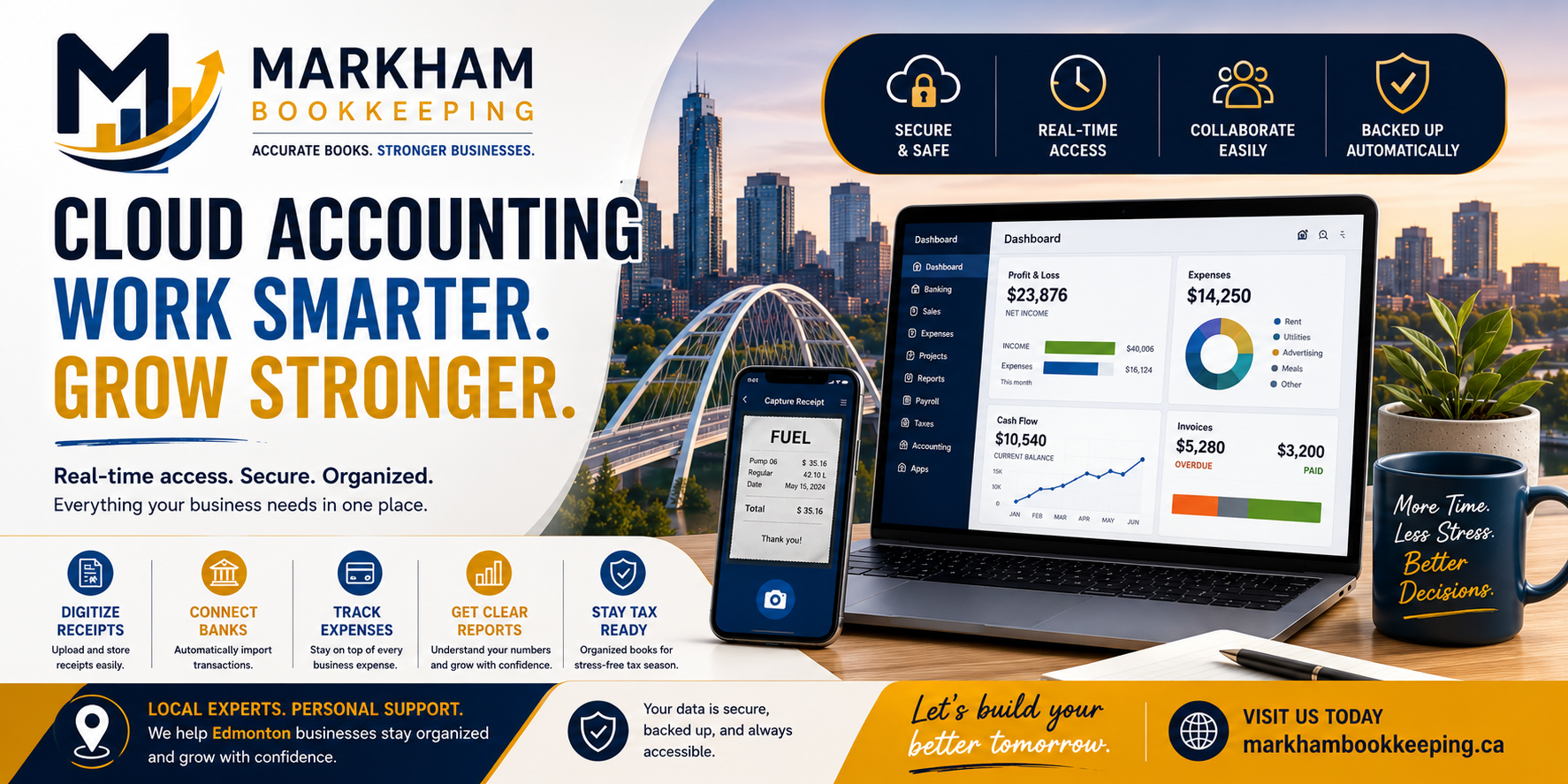
If you run a small business in Edmonton, your accounting system can either make your life easier or quietly create stress every month.
Many business owners still rely on spreadsheets, paper receipts, desktop software, or last-minute bookkeeping before tax season. That might work for a while, but as your business grows, this setup becomes harder to manage.
Receipts get lost.
Bank transactions pile up.
Invoices are forgotten.
Payroll records get messy.
GST/HST becomes confusing.
And by year-end, everything feels rushed.
This is where cloud accounting comes in.
Cloud accounting gives small business owners a better way to manage their books, track income and expenses, store documents, review reports, and work with their bookkeeper in real time.
For Edmonton businesses, especially contractors, consultants, e-commerce sellers, auto dealers, restaurants, trades, and service-based businesses, cloud accounting can save time, reduce errors, and make financial reporting much easier.
What Is Cloud Accounting?
Cloud accounting means your bookkeeping and accounting software runs online instead of being installed only on one computer.
Instead of saving everything on a single desktop, your financial data is stored securely online and can be accessed from a computer, tablet, or phone.
Popular cloud accounting tools include:
- QuickBooks Online
- Xero
- Sage Accounting
- Wave
- FreshBooks
With cloud accounting, you can usually:
- Send invoices
- Track expenses
- Connect bank feeds
- Upload receipts
- Reconcile accounts
- Review reports
- Track GST/HST
- Manage payroll
- Share access with your bookkeeper or accountant
In simple words:
Cloud accounting lets you manage your business finances from anywhere.
How Cloud Accounting Works
Cloud accounting connects your business bank account, credit card, invoices, expenses, receipts, and reports into one online system.
Here is a simple example.
You buy fuel for a business vehicle in Edmonton. The transaction appears in your business bank feed. You upload a photo of the receipt. Your bookkeeper categorizes it correctly. At month-end, the transaction is reconciled. Your financial reports update.
No shoebox.
No lost receipt.
No manual spreadsheet entry.
No guessing months later.
That is the real power of cloud accounting.
It creates a cleaner workflow between the business owner, bookkeeper, and accountant.
Why Edmonton Small Businesses Are Moving to Cloud Accounting
Edmonton small businesses deal with a lot of moving parts.
A contractor may have job materials, fuel, subcontractors, invoices, GST/HST, payroll, and equipment purchases.
A restaurant may have supplier bills, payroll, tips, inventory, delivery app fees, and daily sales deposits.
An e-commerce store may have Shopify sales, refunds, payment processor fees, ad spend, shipping, inventory, and GST/HST.
A service business may have monthly subscriptions, client invoices, mileage, software costs, and recurring expenses.
Trying to manage all of that manually can become overwhelming.
Cloud accounting helps by creating one central place for your financial records.
Main Benefits of Cloud Accounting
1. You Can Access Your Books Anywhere
With cloud accounting, you do not need to be sitting at one office computer.
You can check invoices, upload receipts, or review reports from home, your office, a job site, or even while travelling.
For busy Edmonton business owners, this flexibility is a major advantage.
2. Your Bank Transactions Can Import Automatically
One of the biggest time-savers is bank feeds.
Cloud accounting software can connect to your business bank account and credit card so transactions flow into the software automatically.
This does not mean the books are done automatically, but it does reduce manual data entry.
Your bookkeeper still needs to review, categorize, reconcile, and make sure everything is accurate.
But instead of typing every transaction by hand, the system gives you a much faster starting point.
3. Receipt Tracking Becomes Easier
Paper receipts are one of the biggest problems in bookkeeping.
They fade.
They get lost.
They sit in vehicles, wallets, drawers, and email inboxes.
Cloud accounting tools often allow receipt uploads directly into the software.
That means you can take a photo of a receipt and attach it to the transaction.
This helps support business deductions, GST/HST tracking, and CRA recordkeeping.
4. Your Bookkeeper Can Work in Real Time
With old desktop accounting, business owners had to send backup files, spreadsheets, PDFs, or messy folders to their accountant.
Cloud accounting makes collaboration much easier.
You can give your bookkeeper secure access to your accounting file. They can review transactions, fix issues, reconcile accounts, and prepare reports without constantly asking for files.
This saves time on both sides.
For Edmonton small businesses, this is especially helpful when you want monthly bookkeeping instead of waiting until tax season.
5. Invoicing Gets Faster
Cloud accounting software usually lets you create and send invoices directly from the system.
You can:
- Email invoices to customers
- Track unpaid invoices
- Send reminders
- Record payments
- Review accounts receivable
This helps you get paid faster and avoid forgotten invoices.
For small businesses, cash flow matters. Better invoicing can make a real difference.
6. Financial Reports Are Easier to Understand
Cloud accounting can generate reports like:
- Profit and loss statement
- Balance sheet
- Cash flow report
- Accounts receivable aging
- Accounts payable aging
- Sales tax reports
- Expense reports
These reports help you answer important questions:
Am I actually profitable?
Which expenses are increasing?
Who still owes me money?
Do I have enough cash for payroll?
How much GST/HST might I owe?
Can I afford new equipment?
Clean financial reports help you make better decisions.
Cloud Accounting vs Spreadsheets
Spreadsheets can be useful when your business is very small.
But they have limits.
Spreadsheets can break.
Formulas can be wrong.
Transactions can be missed.
Receipts are not usually attached.
Bank reconciliations are harder.
GST/HST tracking can become messy.
Reports may not be reliable.
Cloud accounting is built for bookkeeping.
It is usually better for businesses that have regular transactions, GST/HST, payroll, employees, inventory, loans, multiple payment methods, or growth plans.
A spreadsheet might show numbers.
Cloud accounting helps create a financial system.
Cloud Accounting vs Desktop Accounting
Desktop accounting software is installed on one computer.
Cloud accounting is online.
With desktop software, access is limited. Backups are your responsibility. Sharing files can be frustrating. Updates may need to be installed manually.
With cloud accounting, the system is usually updated online, accessible from multiple devices, and easier to share with your bookkeeper.
That does not mean cloud accounting is perfect for every business, but for many Edmonton small businesses, it is more flexible and efficient.
Common Cloud Accounting Mistakes
Mistake 1: Thinking the Software Does Everything
Cloud accounting is powerful, but it is not magic.
Bank feeds do not guarantee correct bookkeeping. The software may suggest categories, but those suggestions can be wrong.
A transaction still needs proper review.
For example, a payment to Amazon could be office supplies, equipment, inventory, personal items, or mixed purchases.
Software cannot always know the business purpose.
Mistake 2: Not Reconciling Monthly
Many business owners connect bank feeds and assume everything is handled.
But reconciliation is still critical.
Bank reconciliation confirms that your accounting records match your bank and credit card statements.
Skipping reconciliations can lead to duplicate transactions, missing expenses, incorrect balances, and unreliable reports.
Mistake 3: Mixing Personal and Business Transactions
Cloud accounting works best when your business finances are clean.
If personal and business transactions are mixed together, your bookkeeper has to spend more time cleaning up the file.
A separate business bank account and business credit card make cloud accounting much easier.
Mistake 4: Not Uploading Receipts
Bank feeds show the amount and vendor, but they do not always show what was purchased.
Receipts still matter.
If you want better bookkeeping and stronger CRA support, upload receipts regularly.
Mistake 5: Using Too Many Apps Without a Plan
Some business owners connect too many tools too quickly.
QuickBooks, Shopify, Stripe, PayPal, payroll apps, POS systems, inventory software, receipt tools, and bank feeds can all be useful.
But if they are not set up properly, they can create duplicate income, duplicate expenses, or messy reports.
The goal is not more apps.
The goal is a clean system.
Who Should Use Cloud Accounting?
Cloud accounting is useful for many Edmonton small businesses, including:
- Contractors
- Consultants
- Restaurants
- Retail stores
- E-commerce businesses
- Auto dealers
- Hotels
- Charities
- Real estate professionals
- Freelancers
- Medical clinics
- Trades businesses
- Professional service firms
It is especially useful if your business has:
- Frequent transactions
- GST/HST filing requirements
- Payroll
- Multiple payment methods
- Online sales
- Receipts and invoices
- Inventory
- Monthly reporting needs
- Growth plans
Best Cloud Accounting Setup for Beginners
A beginner-friendly setup can be simple.
You do not need to overcomplicate it.
Start with:
- One cloud accounting software
- One business bank account
- One business credit card
- Bank feeds connected properly
- Receipt capture system
- Monthly reconciliation
- Clean chart of accounts
- Regular financial reports
- Bookkeeper access
- Secure backups and document storage
This gives your business a strong foundation.
QuickBooks, Xero, Sage, or Something Else?
There is no single best software for every business.
QuickBooks Online is popular with many Canadian small businesses.
Xero is clean and user-friendly.
Sage can be useful for certain businesses.
Wave may work for very small businesses.
FreshBooks can be useful for service-based invoicing.
The right choice depends on your business size, industry, transaction volume, reporting needs, payroll needs, and budget.
For many Edmonton small businesses, the software matters less than the setup.
A badly set up QuickBooks file can still create bad reports.
A properly set up system, with monthly bookkeeping, is what actually creates value.
Why Cloud Accounting Helps at Tax Time
Tax season becomes easier when your books are already clean.
With cloud accounting, your accountant or tax preparer can usually access:
- Categorized income
- Business expenses
- Receipts
- GST/HST reports
- Payroll records
- Bank reconciliations
- Financial statements
This reduces back-and-forth questions and helps avoid last-minute panic.
Instead of trying to clean up twelve months at once, you maintain the books throughout the year.
That is the smart approach.
Final Thoughts
Cloud accounting is not just software.
It is a better way to manage your business finances.
For Edmonton small businesses, cloud accounting can help reduce paperwork, improve accuracy, simplify receipt tracking, speed up invoicing, support GST/HST reporting, and create cleaner financial reports.
But the software is only part of the solution.
The real value comes from using it properly.
Connect the right accounts.
Upload receipts.
Reconcile monthly.
Review reports.
Keep business and personal spending separate.
Work with a bookkeeper who understands the system.
When cloud accounting is set up properly, your books become easier to manage, your reports become more useful, and tax season becomes far less stressful.
Need Help Setting Up Cloud Accounting?
Markham Bookkeeping helps Edmonton small businesses set up, clean up, and manage cloud accounting systems.
Whether you use QuickBooks Online, Xero, Sage, or another platform, we can help you build a cleaner bookkeeping workflow.Visit: https://markhambookkeeping.ca/