
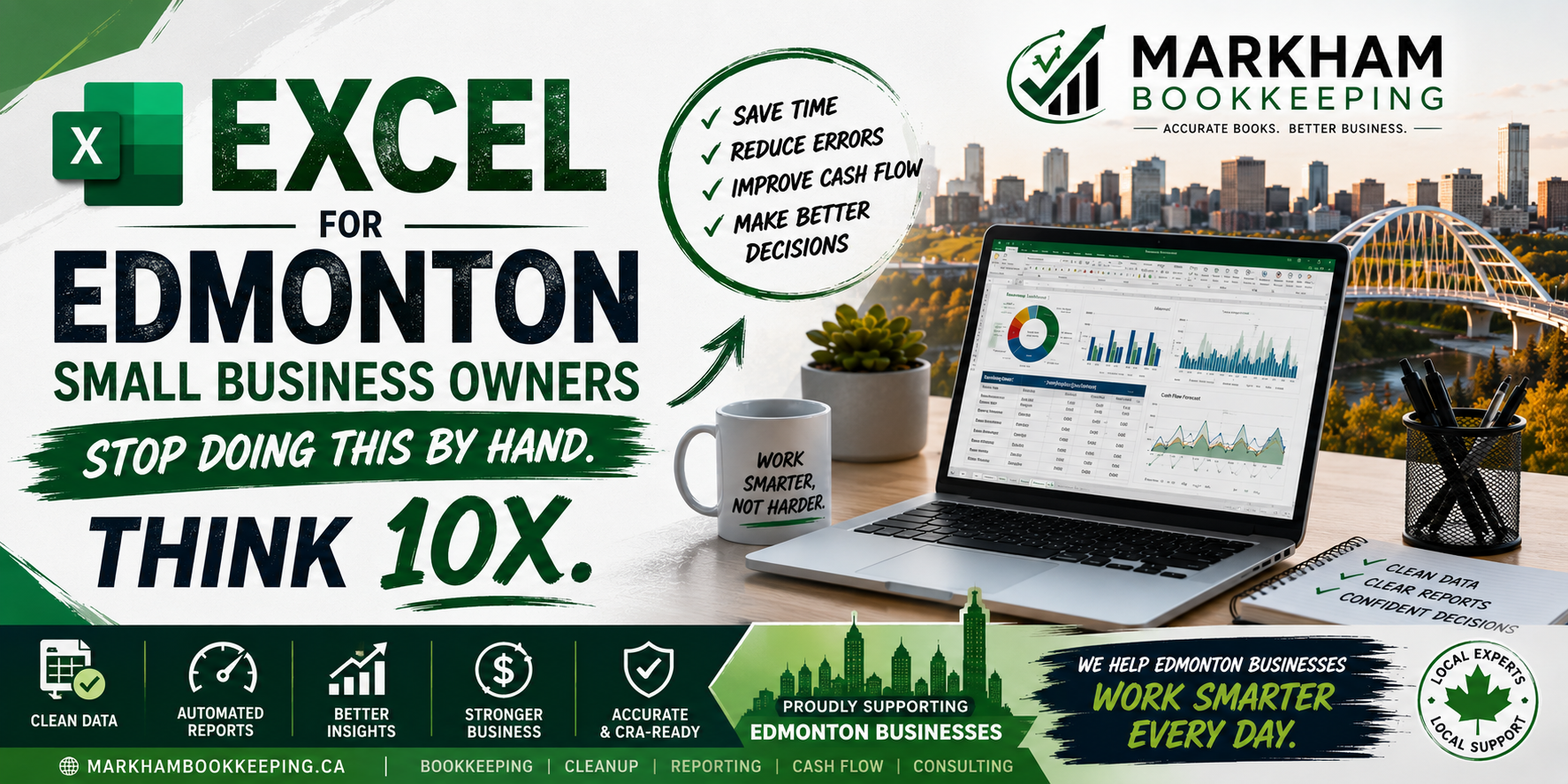
Running a small business in Edmonton already takes enough time. Between serving customers, managing staff, paying suppliers, tracking GST, preparing payroll, and trying to stay profitable, the last thing you need is to spend hours manually typing numbers into spreadsheets.
Excel is one of the most powerful tools a small business owner can use. But many Edmonton business owners use Excel the hard way. They copy and paste data manually. They calculate totals by hand. They update inventory one row at a time. They build reports from scratch every month. They chase receipts, compare bank deposits manually, and waste hours fixing errors that Excel could have prevented.
The problem is not Excel.
The problem is doing everything manually inside Excel.
Used properly, Excel can save time, reduce bookkeeping mistakes, improve cash flow visibility, and help Edmonton small business owners make faster decisions. Used poorly, it becomes a messy file full of broken formulas, duplicate entries, missing receipts, and numbers nobody trusts.
If you are still doing these tasks by hand, it may be time to rethink how your business uses Excel.
Why Edmonton Small Businesses Still Rely on Excel
Many Edmonton small business owners use Excel because it is flexible, familiar, and affordable. Whether you run a contractor business, retail shop, restaurant, auto service business, consulting company, hotel, clinic, charity, or e-commerce store, Excel can help organize financial information quickly.
Excel is especially useful for:
Tracking sales
Monitoring expenses
Preparing budgets
Managing inventory
Reviewing cash flow
Tracking invoices
Comparing monthly results
Creating simple financial reports
For many small businesses in Edmonton, Excel works well as a support tool alongside accounting software like QuickBooks Online, Xero, Sage, or Wave.
But Excel becomes a problem when business owners use it as a manual calculator instead of an automated system.
Stop Manually Adding Up Expenses
One of the biggest mistakes small business owners make is manually adding up expenses every month.
You download bank statements, open Excel, enter amounts one by one, and then use a calculator to total fuel, meals, software, rent, advertising, and supplies.
This is risky.
Manual totals are easy to get wrong. One missed receipt, one duplicate expense, or one typo can change your profit numbers. That affects your tax planning, GST/HST reporting, and business decisions.
Instead, use formulas, tables, filters, and categories. Create one clean expense tracker where each row includes:
Date
Vendor
Category
Amount
GST
Payment method
Receipt status
Notes
Then use SUMIF or Pivot Tables to automatically total each category.
This gives you faster answers and fewer mistakes.
Stop Rebuilding Reports Every Month
If you rebuild the same monthly report from scratch, you are wasting time.
Many Edmonton business owners create monthly sales reports manually. They copy last month’s spreadsheet, change the dates, paste new numbers, fix formulas, adjust totals, and hope nothing breaks.
That is not efficient.
A better system is to build one reusable Excel template. Your template should have separate sections for:
Raw data
Cleaned data
Summary report
Charts
Monthly comparison
Year-to-date totals
Once the template is built properly, you only need to paste or import the new data. The totals, charts, and reports update automatically.
This is where Excel becomes powerful. It stops being a blank sheet and becomes a business dashboard.
Stop Tracking Inventory by Memory
Inventory is one area where Edmonton small businesses can lose serious money without noticing.
This is especially true for auto dealers, retail stores, restaurants, construction businesses, repair shops, and e-commerce sellers.
If you are tracking inventory by memory, handwritten notes, or random Excel rows, you are asking for trouble.
You need a clean inventory sheet that tracks:
Item name
SKU or unit number
Purchase date
Supplier
Cost
Selling price
Quantity
Location
Status
Profit margin
Excel can calculate inventory value, gross margin, reorder points, and slow-moving items automatically.
For Edmonton auto dealers, this could mean tracking vehicle cost, reconditioning, transport, detailing, parts, and selling price.
For retailers, it could mean knowing which products are sitting too long.
For contractors, it could mean tracking materials before they disappear into job sites.
Inventory should not be guesswork.
Stop Manually Comparing Bank Deposits
Bank reconciliation is one of the most important bookkeeping tasks for Edmonton small businesses.
But many owners still compare deposits manually.
They look at the bank statement, then look at invoices, then look at POS reports, then try to match everything line by line.
This gets messy fast, especially if you deal with:
Stripe
Square
PayPal
Shopify
Moneris
Interac deposits
Cash payments
Credit card batches
Refunds
Chargebacks
Processor fees
Excel can help organize this. You can create a reconciliation sheet that separates gross sales, fees, refunds, net deposits, and bank deposits.
For example, your payment processor may show $1,000 in sales, $30 in fees, and a $970 bank deposit.
If you only record the $970 deposit as sales, your revenue and expenses are both wrong.
Excel can help you spot those differences before they damage your books.
Stop Guessing Your Cash Flow
Profit and cash flow are not the same thing.
A business can be profitable on paper and still run out of cash.
This happens often when Edmonton small businesses have unpaid invoices, seasonal slowdowns, payroll obligations, GST payments, loan payments, rent, supplier bills, or unexpected repairs.
A simple Excel cash flow forecast can help you see what is coming.
Your cash flow sheet should include:
Opening bank balance
Expected customer payments
Upcoming bills
Payroll
Rent
GST/HST payments
Loan payments
Owner draws
Emergency expenses
Ending cash balance
This gives you a forward-looking view instead of waiting until the bank account feels tight.
For Edmonton businesses with seasonal changes, this is even more important. Construction, landscaping, tourism, hospitality, retail, and service businesses often have busy and slow periods. Excel can help you prepare before the slow months hit.
Stop Using One Giant Spreadsheet for Everything
One huge Excel file with 20 random tabs is not a system.
It is a future problem.
Many small business owners keep adding tabs: January sales, February sales, expenses, old expenses, final expenses, revised expenses, payroll, GST, inventory, invoices, receipts, and “new final version.”
Eventually, nobody knows which tab is correct.
A better Excel setup separates data properly.
Use clear tabs like:
Sales Data
Expense Data
Inventory
Payroll Summary
GST Summary
Cash Flow
Dashboard
Notes
Every tab should have a purpose. Every column should be labeled clearly. Every formula should be protected or checked.
Clean structure saves time and prevents costly confusion.
Stop Manually Typing Data You Can Import
If your bank, POS system, accounting software, or e-commerce platform lets you export CSV files, use them.
Manual typing creates errors.
Excel can import data from CSV files and clean it faster than typing line by line. You can use Power Query to clean bank transactions, remove blanks, split columns, standardize vendor names, and prepare reports.
This is a major time-saver for Edmonton businesses with high transaction volume.
Instead of spending hours entering data, you can spend minutes reviewing it.
That is how bookkeeping should work.
Stop Ignoring Excel Errors
Excel errors are not small issues.
A broken formula can understate income. A hidden row can hide expenses. A copied formula can skip transactions. A wrong cell reference can change your total profit.
Common Excel mistakes include:
Broken formulas
Duplicate transactions
Hidden rows
Wrong date formats
Manual overrides
Missing categories
Incorrect GST calculations
Old versions being reused
If you rely on Excel for bookkeeping, you need review controls.
At minimum, check:
Bank totals against Excel totals
Monthly sales against POS reports
Expense totals against bank statements
GST collected and GST paid
Opening and closing balances
Duplicate entries
Uncategorized transactions
A spreadsheet is only useful if the numbers are reliable.
Excel Is Powerful, But It Should Not Replace Good Bookkeeping
Excel is a great tool, but it should not become a messy substitute for proper bookkeeping.
For many Edmonton small businesses, the best setup is:
Accounting software for official books
Excel for analysis and planning
Cloud storage for receipts
Monthly reconciliation for accuracy
Regular review with a bookkeeper
Excel can help you understand your numbers, but your bookkeeping still needs to be accurate, complete, and CRA-ready.
If your Excel file is the only place your financial records live, you may be taking unnecessary risk.
When Edmonton Business Owners Should Get Help
You should consider getting help if:
Your spreadsheet has become too confusing
You are behind on bookkeeping
You do not trust your profit numbers
GST/HST feels hard to track
Payroll reports do not match
Inventory numbers are unreliable
You spend hours updating spreadsheets
You only organize your books at tax time
Your accountant keeps asking for missing information
A proper bookkeeping system can save time, reduce stress, and help you avoid expensive mistakes.
Final Thoughts
Excel can be one of the best tools for Edmonton small business owners, but only when it is used properly.
Stop doing everything by hand.
Stop manually adding totals.
Stop rebuilding reports every month.
Stop guessing your cash flow.
Stop tracking inventory from memory.
Stop using messy spreadsheets that nobody understands.
Instead, build clean Excel templates, automate formulas, import data, use dashboards, and connect your spreadsheet process to proper bookkeeping.
Your time is too valuable to waste on manual work that Excel can handle in seconds.
At Markham Bookkeeping, we help Edmonton small business owners clean up their books, organize financial data, improve reporting, and build systems that actually make sense.




A lot of small business owners don’t realize how much time gets lost from manually fixing spreadsheet errors and re-entering data every month. The point about Excel not being the problem really stands out — with the right setup, even simple automation and cleaner processes can make bookkeeping far less stressful and give owners a clearer picture of cash flow.
This post hits home for many Edmonton business owners who treat Excel as a digital ledger rather than a dynamic tool. Shifting from manual data entry to automated workflows is often the single biggest time-saver for those drowning in GST and payroll tasks. It’s a clear reminder that the real bottleneck isn’t the software, but the habit of doing repetitive work by hand.