
Most Edmonton business owners don’t switch accounting software because they want to.
They switch because something is already broken.
Maybe your bookkeeping has become messy.
Maybe your reports make no sense.
Maybe your accountant hates your spreadsheets.
Or maybe you’ve simply outgrown the system you started with three years ago.
Whatever the reason, one thing is true:
Switching accounting software can either clean up your business… or create an even bigger mess.
I’ve seen both happen.
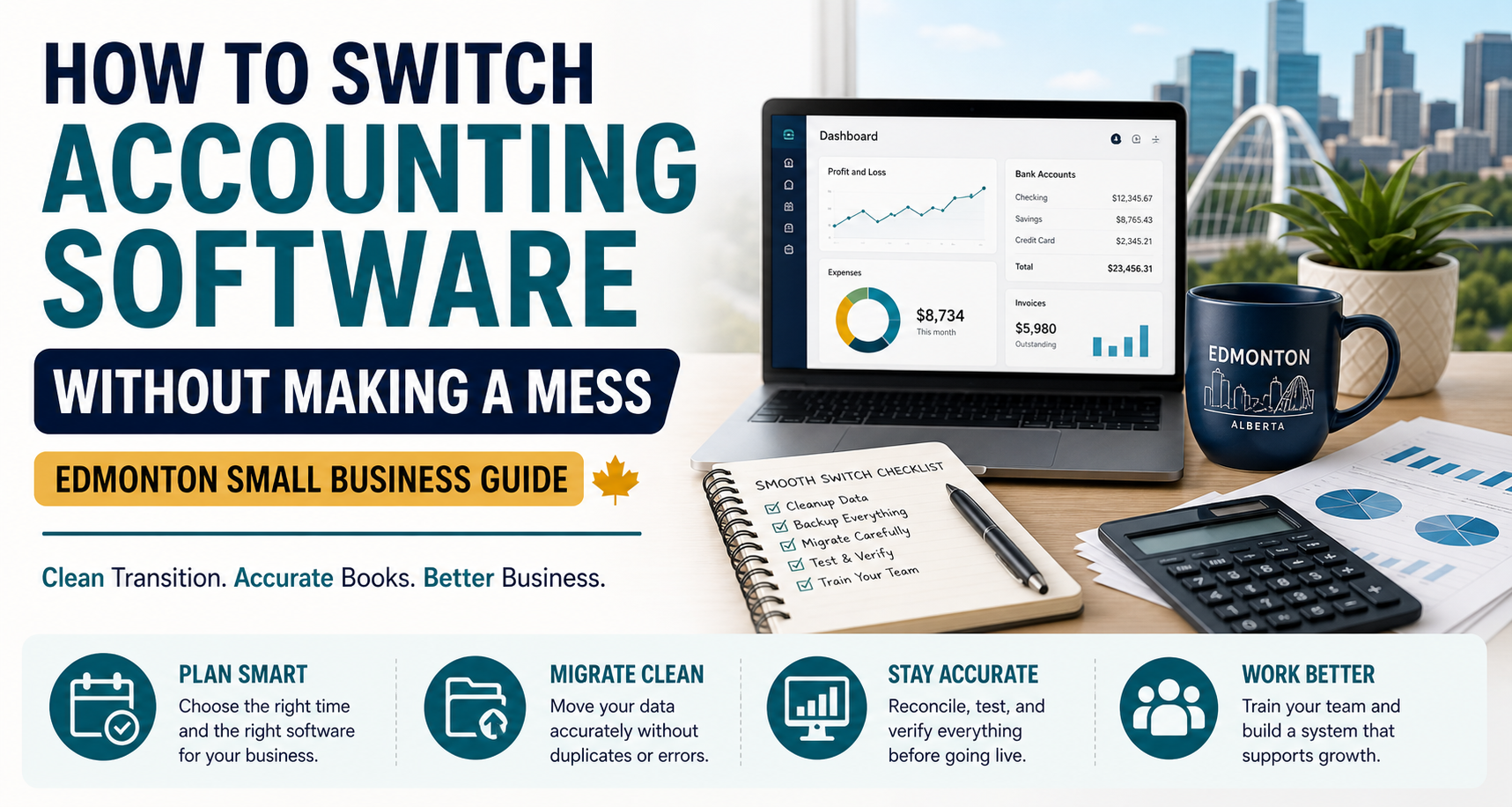
This guide walks Edmonton small business owners through how to switch accounting software properly — without losing data, creating duplicate transactions, or turning tax season into a nightmare.
First: Why Businesses Switch Accounting Software
Most businesses don’t realize their accounting system is a problem until it starts affecting daily operations.
Common reasons Edmonton businesses switch include:
- Slow or outdated software
- Poor reporting
- Duplicate transactions
- Bank feeds constantly breaking
- Inventory issues
- Payroll limitations
- Difficult GST/HST tracking
- Accountant compatibility problems
- Growing from spreadsheets into real bookkeeping
Sometimes the issue isn’t the software itself.
It’s that the software no longer fits the business.
A system that worked for a solo freelancer often collapses once payroll, contractors, inventory, or multiple revenue streams enter the picture.
The Biggest Mistake Business Owners Make
Here’s the mistake I see constantly:
People migrate their accounting software without cleaning up their books first.
That’s like moving houses without throwing away garbage.
If your current books contain:
- Duplicate entries
- Uncategorized transactions
- Incorrect balances
- Broken reconciliations
- Personal expenses mixed into business
…those problems usually transfer into the new system too.
And once bad data moves over, fixing it becomes much harder.
Step 1: Decide WHY You’re Switching
Before touching anything, get clear on the real reason behind the move.
Ask yourself:
- Do you need better reporting?
- Easier invoicing?
- Payroll integration?
- Better inventory management?
- Simpler GST/HST tracking?
- Multi-user access?
- Cloud access?
Your answer determines which software actually fits your business.
Popular Accounting Software in Canada
For most Edmonton small businesses, the main options are:
- QuickBooks Online (QBO)
- Xero
- Sage
- Wave
- FreshBooks
Each has strengths and weaknesses.
QuickBooks Online (QBO)
Popular with Canadian accountants and bookkeepers because of strong integrations, payroll support, and reporting.
Xero
Clean interface with strong automation features and excellent usability.
Sage
Often used by larger or more established businesses needing advanced accounting controls.
Wave
Simple and inexpensive for freelancers or very small operations.
FreshBooks
Popular among service-based businesses focused heavily on invoicing.
The “best” software depends entirely on your business structure and workflow.
Step 2: Choose the Right Time to Switch
Timing matters more than people think.
The cleanest times to switch are usually:
- Beginning of a new fiscal year
- Start of a new quarter
- Month-end after reconciliations are complete
Switching mid-year is possible, but it creates more complexity.
You’ll need:
- Opening balances
- Historical reports
- Clean reconciliations
- Accurate GST/HST tracking
Poor timing creates duplicate work later.
Step 3: Clean Up Your Existing Books FIRST
This is the most important step in the entire process.
Before migrating anything:
- Reconcile bank accounts
- Categorize uncategorized transactions
- Remove duplicate entries
- Review accounts receivable and payable
- Confirm GST/HST balances
- Separate personal expenses from business spending
Why?
Because:
Bad bookkeeping transferred into new software is still bad bookkeeping.
Migration doesn’t magically fix errors.
Step 4: Backup Everything
Before moving systems, export:
- Financial statements
- General ledger
- Customer lists
- Vendor lists
- Invoices
- Payroll records
- GST/HST reports
- Bank reconciliations
Even cloud software can create migration problems.
Always keep backups.
Step 5: Migrate Carefully (Not Everything Needs to Move)
One of the biggest misconceptions is that every single transaction must transfer perfectly.
In reality, many Edmonton businesses only migrate:
- Current fiscal year data
- Customer/vendor information
- Opening balances
- Key historical reports
Trying to move years of messy historical data often creates more problems than value.
Sometimes a “fresh clean start” is smarter.
Step 6: Reconnect Your Bank Feeds Properly
This is where duplicate transactions explode.
When bank feeds reconnect incorrectly:
- Transactions import twice
- Old data overlaps
- Reconciliations break
- Expenses get duplicated
This creates completely inaccurate financial statements.
Bank feed setup should always be reviewed carefully during migration.
Step 7: Test Everything Before Going Live
Before fully switching:
- Create test invoices
- Match bank transactions
- Run payroll tests
- Review GST/HST settings
- Compare reports against old software
Your Profit & Loss and Balance Sheet should make sense immediately.
If numbers suddenly look strange, stop and investigate before continuing.
Step 8: Train Your Team
Even the best accounting software fails if nobody understands how to use it properly.
Common staff mistakes include:
- Incorrect expense categories
- Duplicate invoice creation
- Wrong GST coding
- Deleting reconciled transactions
- Mixing personal and business purchases
A short training process prevents months of cleanup later.
Common Migration Problems (And How to Avoid Them)
Duplicate Transactions
Usually caused by incorrect bank feed imports.
Incorrect Opening Balances
Happens when previous reconciliations are incomplete.
GST/HST Errors
One of the most expensive migration mistakes for Canadian businesses.
Payroll Data Problems
Employee balances and remittances must transfer correctly.
Broken Financial Reports
Often caused by incorrect account mapping during migration.
Should You DIY the Migration?
Technically, yes.
But here’s the reality:
Accounting software migration is not just “moving data.”
It’s rebuilding the financial foundation of your business.
DIY migrations often create:
- Months of cleanup work
- Incorrect GST filings
- Broken reconciliations
- Duplicate expenses
- Inaccurate reports
Many business owners end up paying more to fix migration mistakes later than they would have paid to do it correctly from the start.
Signs Your Edmonton Business Has Outgrown Its Current Software
You’re probably ready to switch if:
- Your reports don’t make sense
- Your accountant constantly requests corrections
- You rely heavily on spreadsheets outside the software
- Payroll feels disconnected
- GST/HST tracking is messy
- You can’t trust your numbers
- Your bookkeeping takes too much time
Your accounting software should make your business easier to run — not harder.
Final Thoughts
Switching accounting software is not just a technical decision.
It’s a financial one.
Done properly, it gives you:
- Cleaner books
- Better reporting
- Easier tax filing
- Improved cash flow visibility
- Less stress during year-end
Done poorly, it creates confusion, duplicate transactions, and expensive cleanup work.
The key is simple:
Clean up first. Migrate carefully. Verify everything.
That’s how Edmonton businesses switch accounting software without creating a mess.
Ready to clean up your books or migrate accounting software properly?
Markham Bookkeeping helps Edmonton small businesses transition to better accounting systems without the chaos.