QuickBooks can be a powerful accounting tool for small businesses, but it does not automatically guarantee clean books. Many Edmonton business owners use QuickBooks Online for invoicing, bank feeds, expense tracking, payroll, GST/HST, and financial reports. The problem is that QuickBooks is only as accurate as the setup, review process, and bookkeeping habits behind it.
When QuickBooks is used casually, the books can look complete on the surface while still being messy underneath. The bank account may be connected, transactions may be entered, and reports may be available, but the numbers may not be reliable. This is where many small business owners get surprised at year-end, during tax preparation, or when CRA sends a notice.
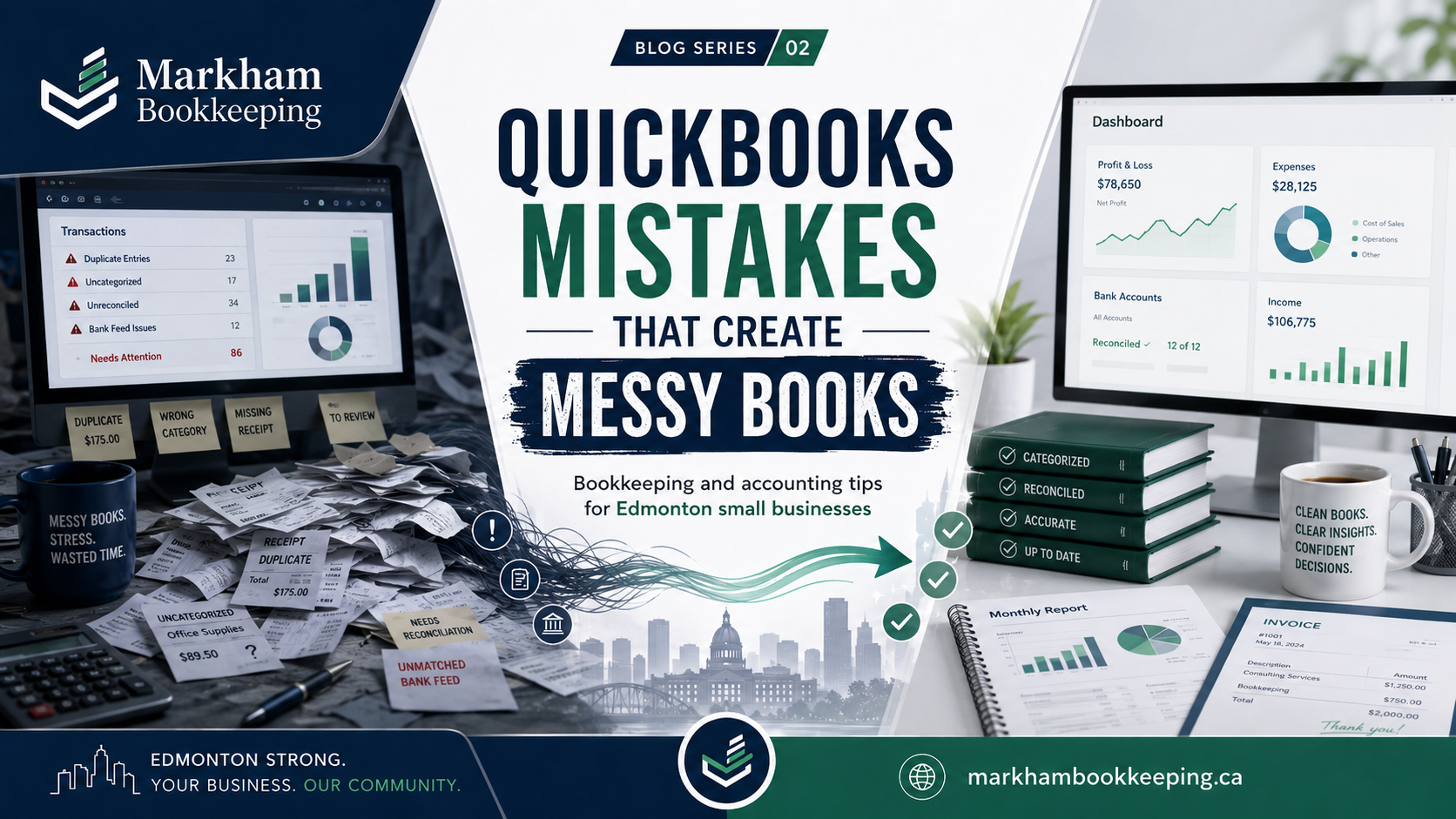
Here are common QuickBooks mistakes that create messy books and how Edmonton businesses can avoid them.
1. Trusting Bank Feeds Too Much
Bank feeds are helpful, but they are not the same as bookkeeping. QuickBooks can pull transactions from the bank and suggest categories, but the business owner or bookkeeper still needs to review them.
A common mistake is clicking “add” on every bank feed transaction without checking whether the transaction already exists. This can create duplicates. For example, if an invoice payment was already recorded and then the bank deposit is added again from the bank feed, income may be overstated. If a bill payment was already entered and the withdrawal is added again, expenses may be duplicated.
This is one of the fastest ways to make QuickBooks messy. The bank balance may still look close, but accounts receivable, accounts payable, sales, expenses, GST/HST, and profit may be wrong.
2. Categorizing Everything to Miscellaneous Expense
Another common issue is using broad categories like “miscellaneous,” “general expense,” or “office expense” for too many transactions. This may feel quick in the moment, but it weakens the financial reports.
A good chart of accounts should help the owner understand the business. Rent, insurance, software, meals, vehicle costs, subcontractors, payroll, repairs, bank fees, advertising, and professional fees should not all be lumped together. When categories are too broad, the profit and loss report becomes less useful.
For Edmonton small businesses, proper expense categorization can help with budgeting, tax preparation, cash flow review, and year-end accounting. Clean categories also make it easier to spot unusual spending.
3. Mixing Personal and Business Transactions
Many small business bookkeeping messes start with mixed bank activity. If the business owner uses the business card for personal purchases, or pays business expenses from a personal account, QuickBooks becomes harder to manage.
Personal transactions should not be treated as business expenses. They usually need to be recorded as owner draws, shareholder loans, or another suitable equity or balance sheet account depending on the business structure. If they are incorrectly recorded as expenses, profit may be understated and tax filings may be inaccurate.
The best habit is simple: use separate business bank and credit card accounts. If personal transactions happen, record them clearly instead of hiding them in expense accounts.
4. Not Reconciling Monthly
Reconciliation is one of the most important bookkeeping controls. It compares the transactions recorded in QuickBooks to the actual bank or credit card statement. Without reconciliation, you do not know whether QuickBooks is complete.
Many owners think their books are accurate because the bank feed is connected. But a bank feed connection does not replace reconciliation. Transactions may be duplicated, missing, matched incorrectly, or entered to the wrong date. Credit card payments may be recorded as expenses instead of transfers. Deposits may be posted to sales instead of matched to customer payments.
Monthly reconciliation helps catch these issues early. If a business waits until year-end, the cleanup can take much longer and cost more.
5. Recording Credit Card Payments as Expenses
This is a very common QuickBooks mistake. When a business pays its credit card from the bank account, the payment is not a new expense. The expenses were already recorded on the credit card side when the card was used. The payment from the bank should usually be recorded as a transfer or payment against the credit card balance.
If the credit card payment is recorded as an expense, the same spending may be counted twice. This can make profit look lower than it really is and distort the balance sheet.
For clean accounting, every credit card should have its own account in QuickBooks, and both the bank account and credit card account should be reconciled.
6. Ignoring Accounts Receivable and Accounts Payable
QuickBooks allows businesses to create invoices and bills, but many owners do not review open customer invoices or unpaid vendor bills. This creates messy reports.
If customer payments are added directly from the bank feed instead of matched to invoices, invoices may remain open even though the customer has paid. This makes accounts receivable look higher than reality. Similarly, if vendor payments are entered without matching bills, accounts payable may show old unpaid balances that are not actually owed.
This affects business finance decisions. The owner may think customers owe more money than they do, or believe vendor balances are outstanding when they have already been paid.
7. Incorrect GST/HST Setup
GST/HST mistakes in QuickBooks can be expensive and confusing. Common issues include using the wrong tax code, posting GST/HST to the wrong account, recording sales without tax when tax should be charged, or claiming input tax credits on expenses that are not eligible.
For Alberta businesses, GST is often part of regular sales and expense tracking. If QuickBooks tax codes are not used properly, the GST/HST return may not match the actual books. This can create problems when filing, paying, or responding to CRA questions.
A clean GST/HST process includes reviewing sales tax reports, checking tax codes, reconciling GST/HST payable, and making sure payments to CRA are posted correctly.
8. Not Reviewing the Balance Sheet
Many business owners only look at the profit and loss report. But the balance sheet often reveals the real bookkeeping problems.
Old amounts in undeposited funds, negative bank accounts, incorrect loan balances, stale receivables, stale payables, shareholder loan issues, payroll liabilities, and GST/HST balances can all show up on the balance sheet. If nobody reviews it, the books may stay messy for months or years.
A clean balance sheet should make sense. Bank balances should reconcile. Credit cards should match statements. Loans should match lender records. Payroll and tax liabilities should be explainable. Receivables and payables should be real.
Final Thoughts
QuickBooks is a tool, not a replacement for proper bookkeeping. It can help Edmonton businesses save time, track finances, invoice customers, manage expenses, and prepare reports, but only when it is used carefully.
Messy books usually do not happen from one big mistake. They happen from small habits repeated every month: adding transactions too quickly, skipping reconciliation, using vague categories, ignoring GST/HST, and not reviewing reports.
Markham Bookkeeping helps businesses clean up QuickBooks, review monthly bookkeeping, fix messy accounts, and prepare better financial reports. If your QuickBooks file looks complete but the numbers do not feel right, it may be time for a professional review before year-end.